WordPress Malware Removal Services
Think your WordPress website has been hacked? I can investigate the problem, remove malicious code, clean up affected files and help secure your website against further attacks.
WordPress Malware Removal
A malware infection can damage your reputation, affect search visibility, and put your website and customer data at risk. I provide WordPress malware removal services to identify and remove malicious code, backdoors, redirects, and other signs of a compromised website.
Hacked websites can show a range of warning signs, including unexpected redirects, spam links added to your content, Japanese or pharmaceutical keyword hacks, or browser and search engine security warnings. I take a structured approach to investigating the problem, isolating the infection, and restoring your website.
I can scan your WordPress files and database to look for malicious code, unauthorised admin accounts, backdoors, and other changes that may have been made by an attacker. Where necessary, I'll clean infected files, restore affected WordPress files, remove malicious database entries, and address the vulnerability that allowed the website to be compromised.
Once your website has been cleaned, I can help with the steps needed to resolve security warnings and get your site back to normal. I can also recommend and implement additional security measures to reduce the likelihood of the same vulnerability being exploited again.
THE SHELF. BUILT AROUND
HOW YOU WORK.
- 01WordPress malware scanning and infection diagnosis
- 02Cleaning infected WordPress core files, themes, and plugins
- 03Removing malicious database code, spam links, and backdoors
- 04Fixing WordPress redirect hacks and rogue admin accounts
- 05Removing Japanese SEO spam and pharma hacks
- 06Google Safe Browsing blacklist removal and re-indexing
- 07Fixing browser and security warning issues
- 08Patching WordPress vulnerabilities that caused the infection
- 09Securing compromised WordPress file permissions
- 10Resetting WordPress, database, FTP, and SSH passwords
- 11Cleaning infected caches and WordPress transient data
- 12WordPress WAF installation and security configuration
- 13Checking plugins and removing abandoned or unsafe code
- 14Restoring .htaccess and wp-config.php files
- 15Fixing WordPress admin access and dashboard lockouts
- 16Post-cleanup malware and security checks
- 17Monitoring for signs of WordPress re-infection
- 18SSL and WordPress security header checks
- 19Google and search engine reconsideration requests
- 20WordPress security hardening to prevent future attacks
- 21...and much more.
Not sure exactly what you need?
If you have an idea for a web application but aren't sure how to turn it into a specification, I can help define the features, recommend the right architecture, and plan a scalable WordPress solution before development begins.
WordPress solutions built around real problems.
A few examples of the kind of bespoke WordPress solutions I have built for my clients.
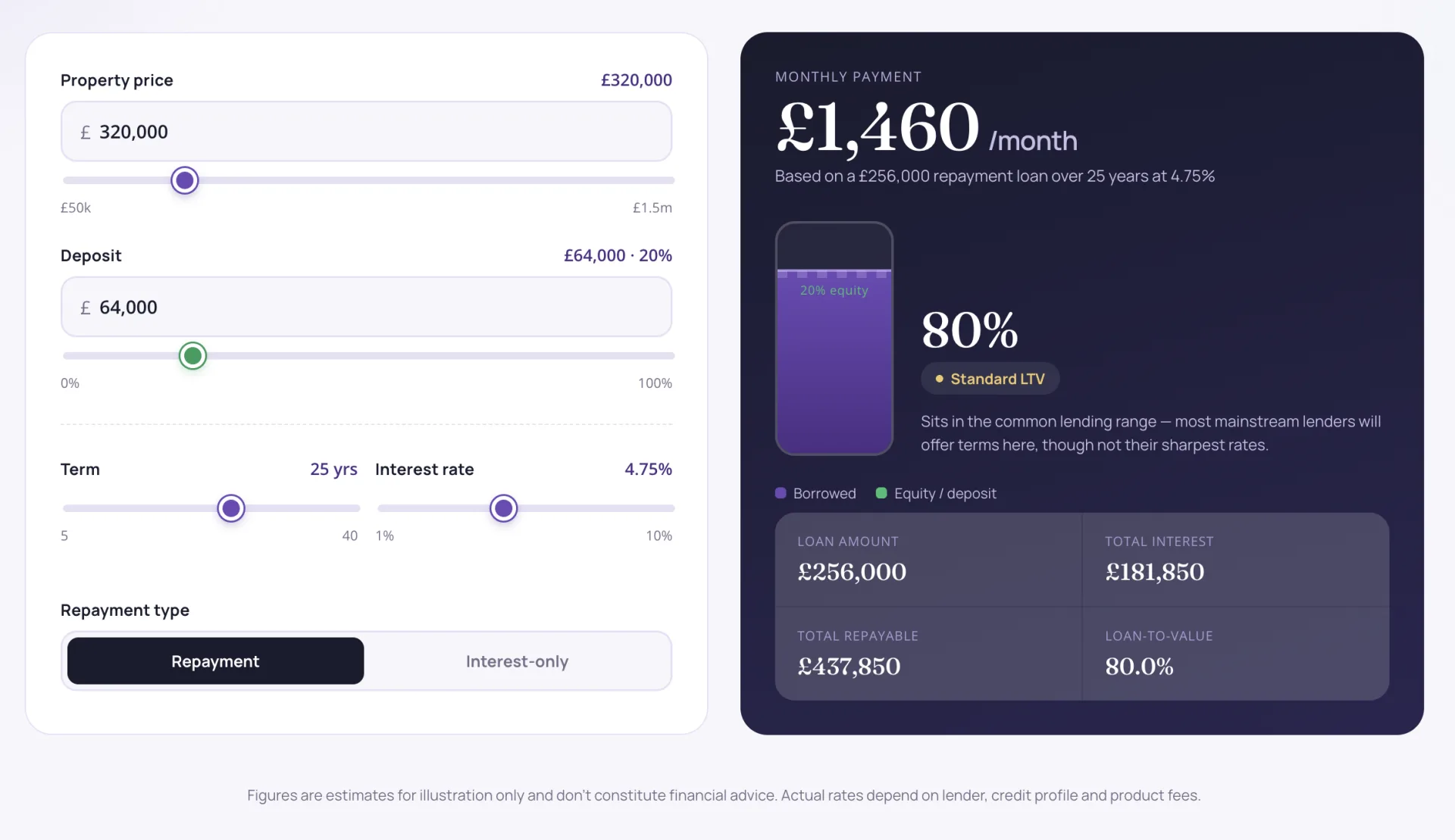
Mortgage & LTV Calculator Plugin
A modern, high-converting Mortgage & Loan-to-Value (LTV) Calculator built as a custom, real-time WordPress plugin.
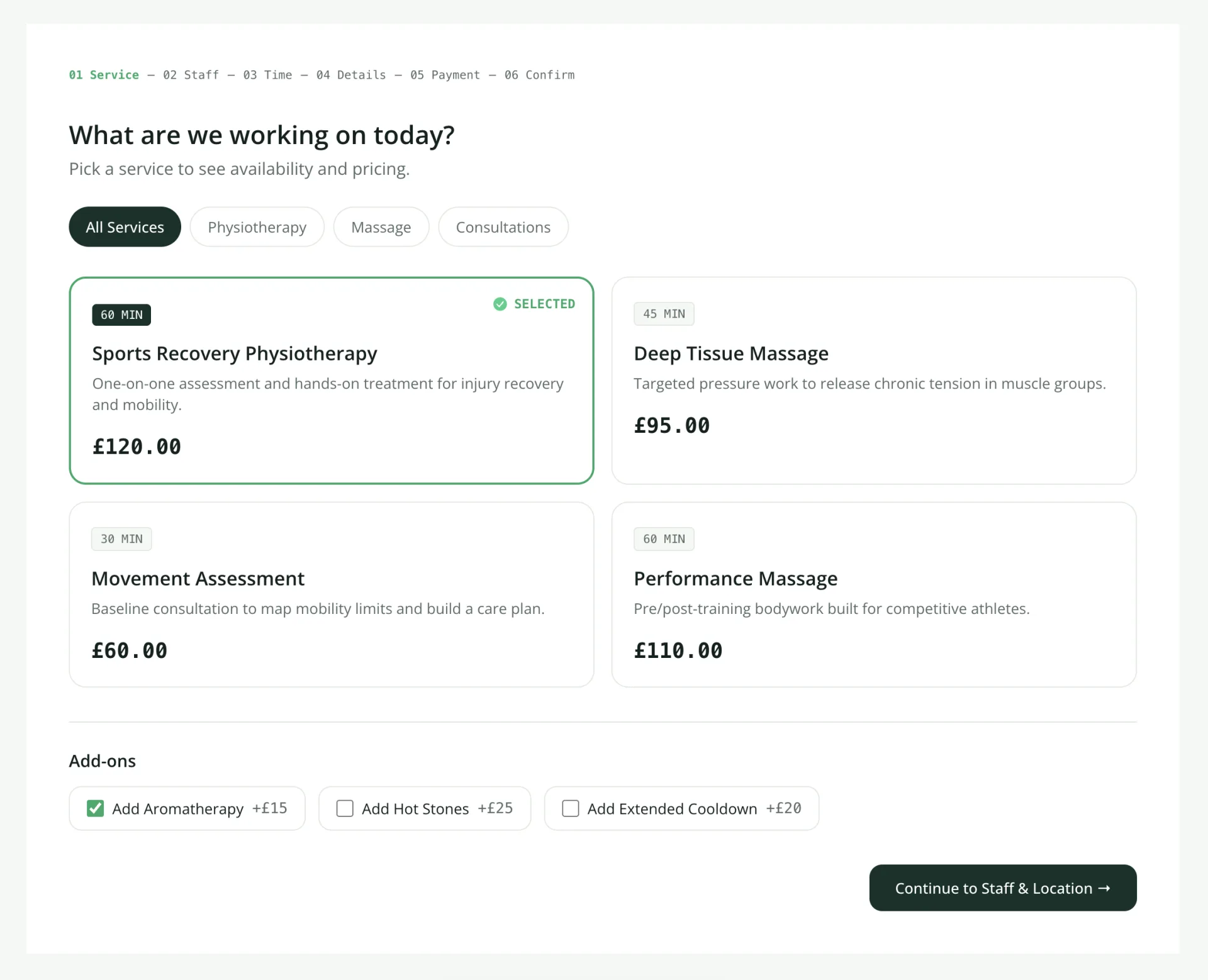
Booking & Appointment System Plugin
Replaced a messy booking workflow with a custom WordPress plugin that manages appointments, payments, and schedules all in one place.
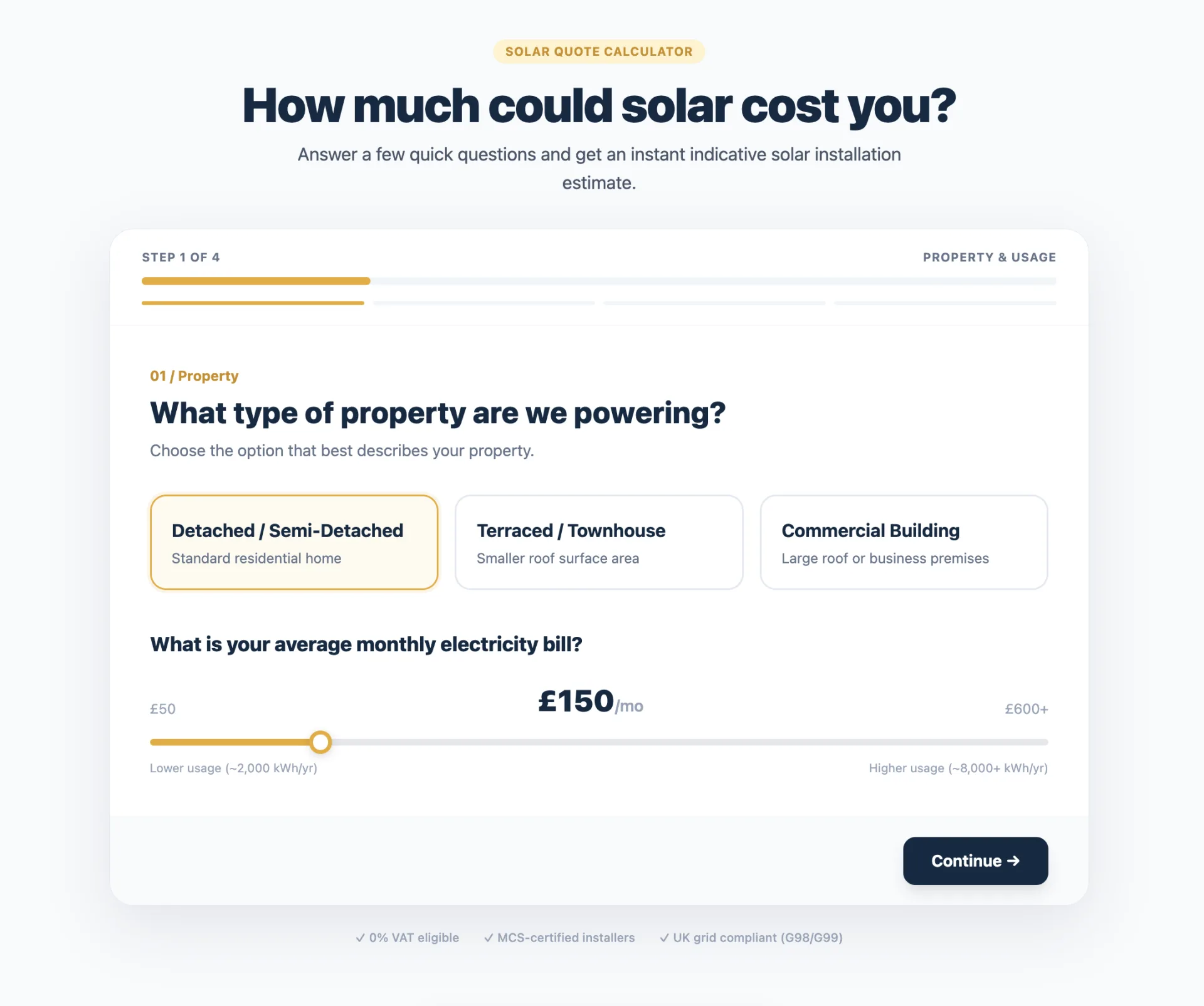
Solar Quote Calculator
A snappy, custom-built solar estimator plugin designed to help my client capture better leads without the bloat.
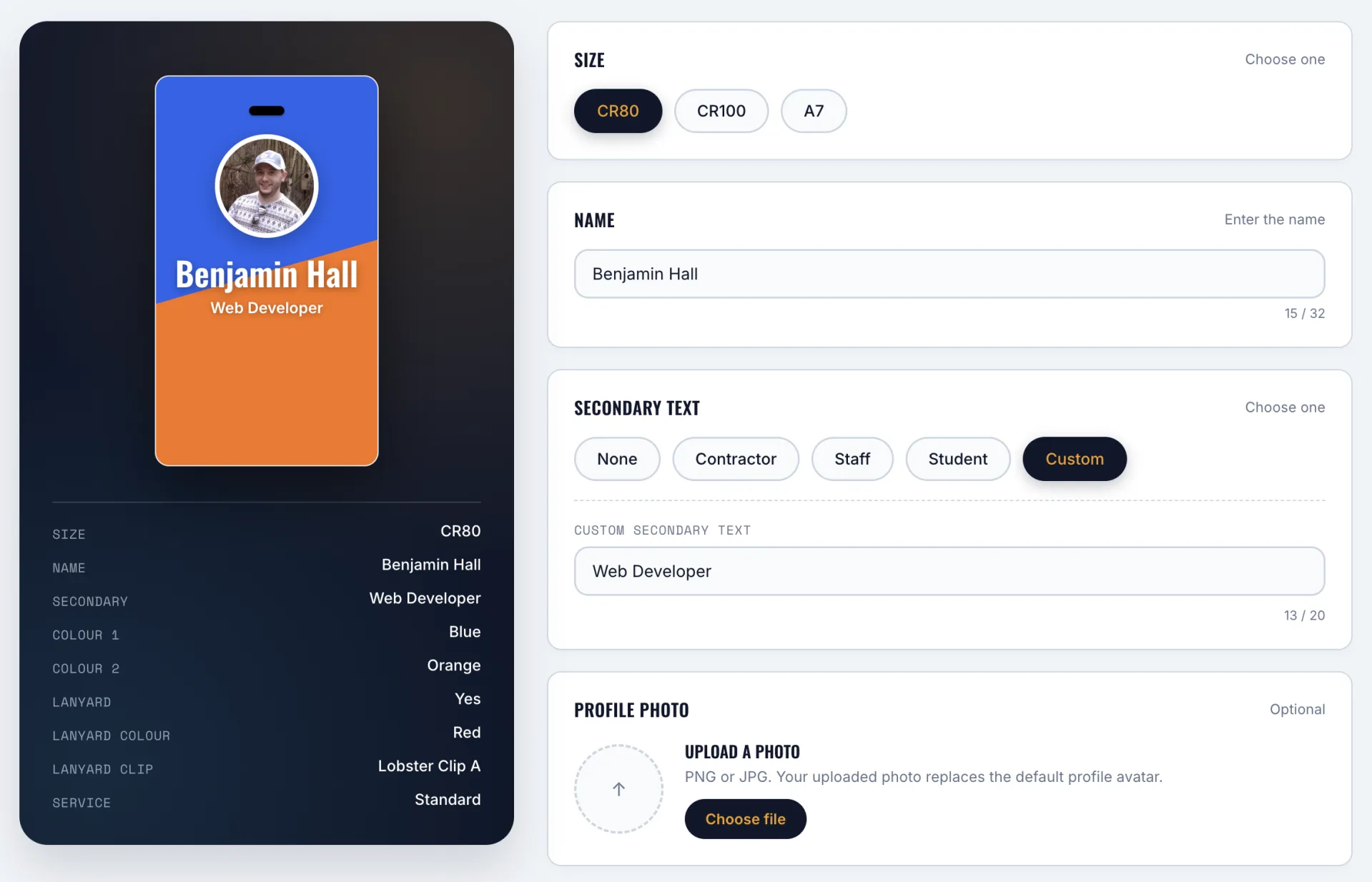
ID Badge Product Configurator
An interactive, real-time WooCommerce product configurator and admin order preview system built as a custom WordPress plugin.
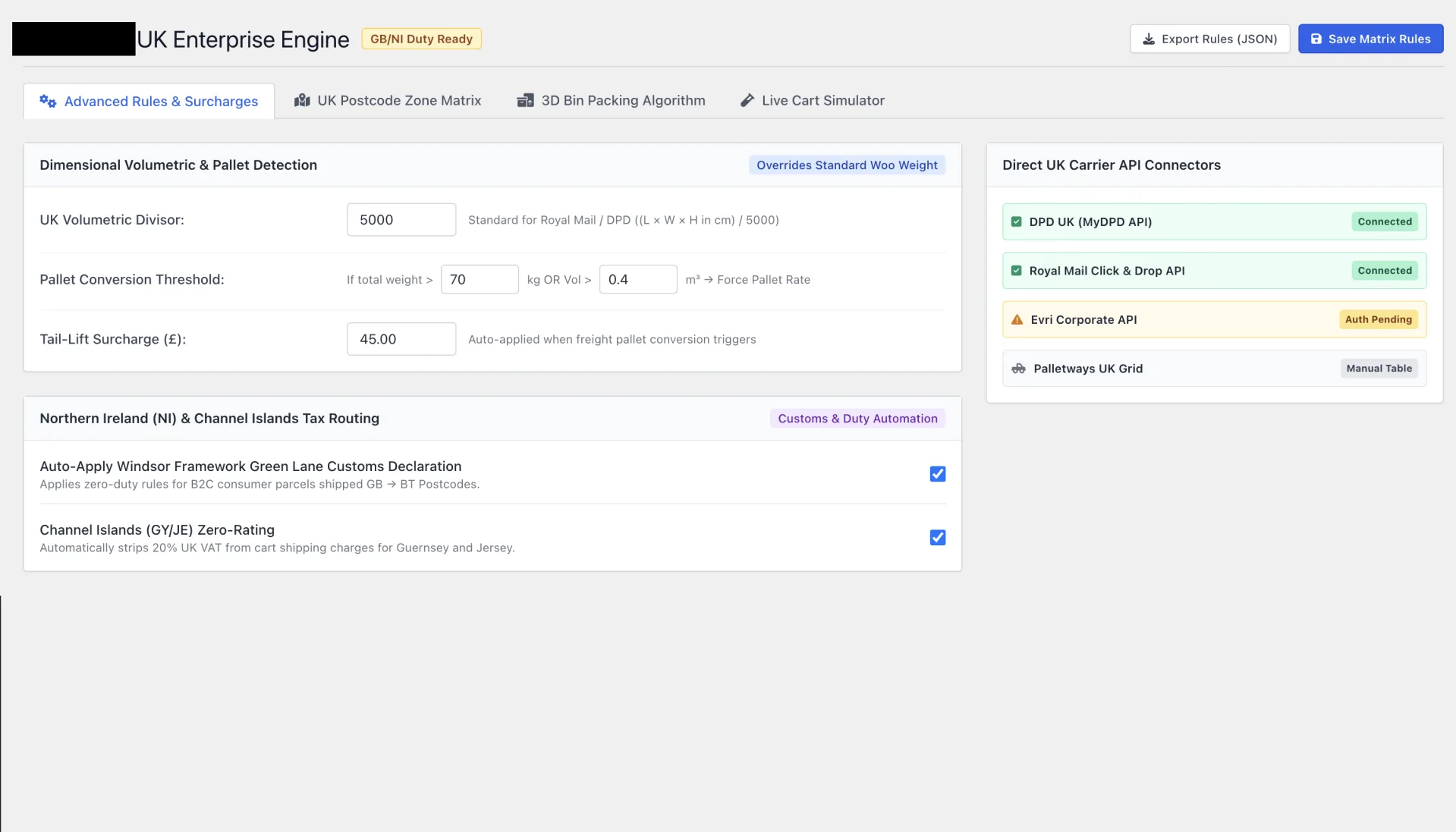
Custom WooCommerce Shipping Pricing Matrix Plugin
Streamlined a complex shipping pricing setup into a clean WooCommerce plugin featuring 3D volumetric bin packing and precise regional UK surcharge rules.
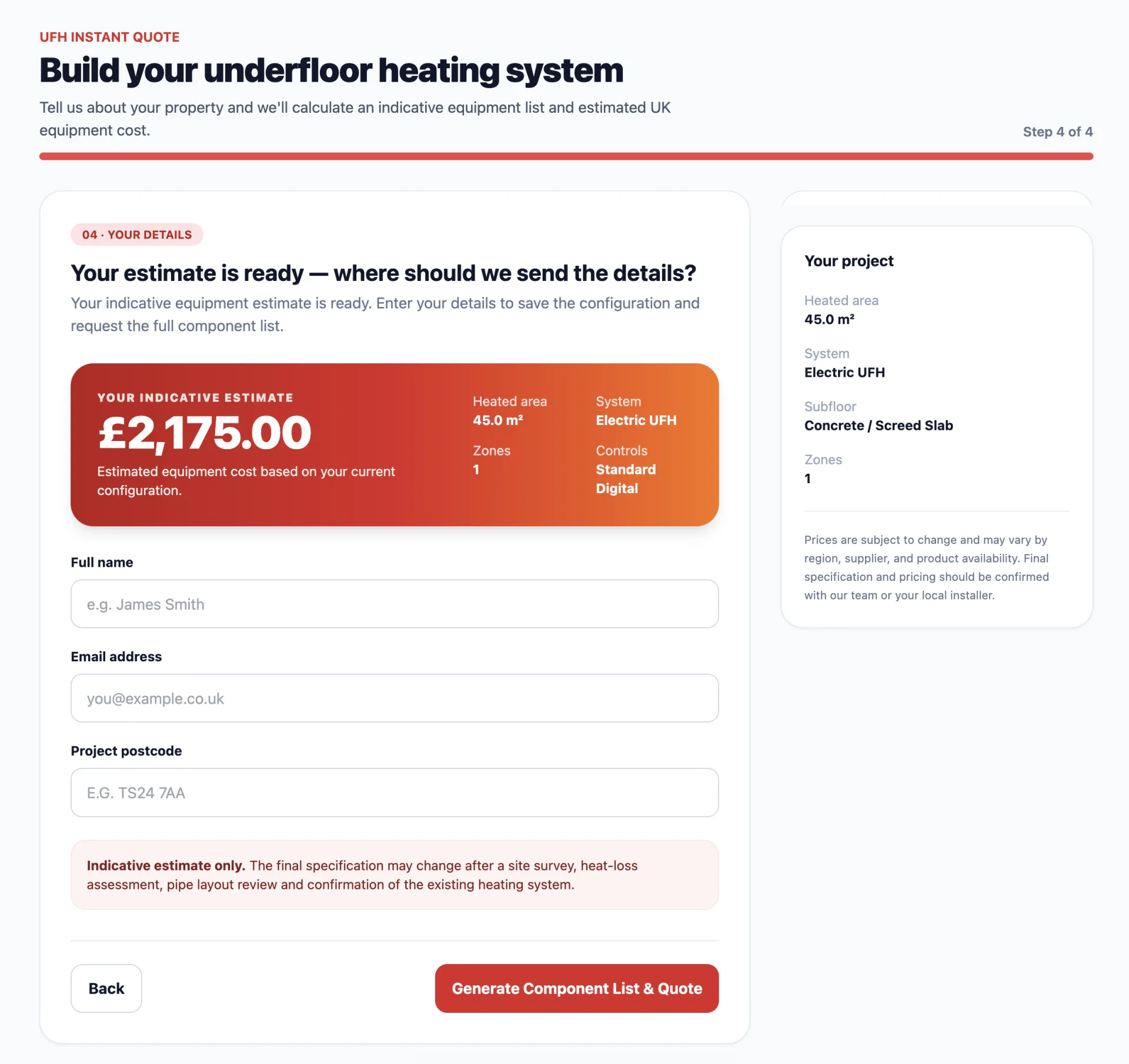
UFH Instant Quote Tool
A modern, high-converting Underfloor Heating (UFH) Instant Quote Tool built as a custom, real-time WordPress plugin.
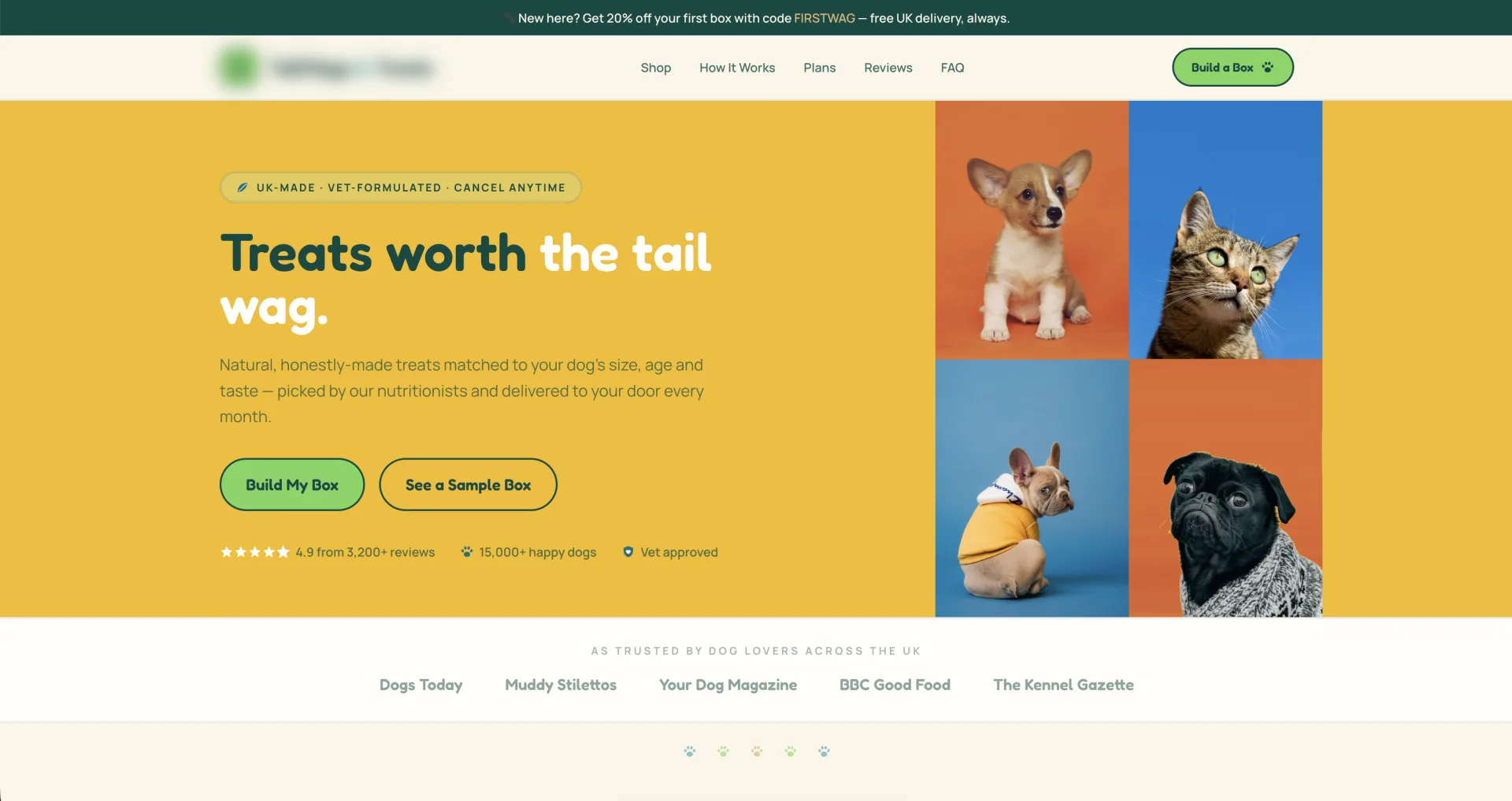
Custom WooCommerce & Subscription Box Builder
A bespoke WordPress & WooCommerce store engineered around a multi-step custom dog treat box builder and flexible subscription engine.
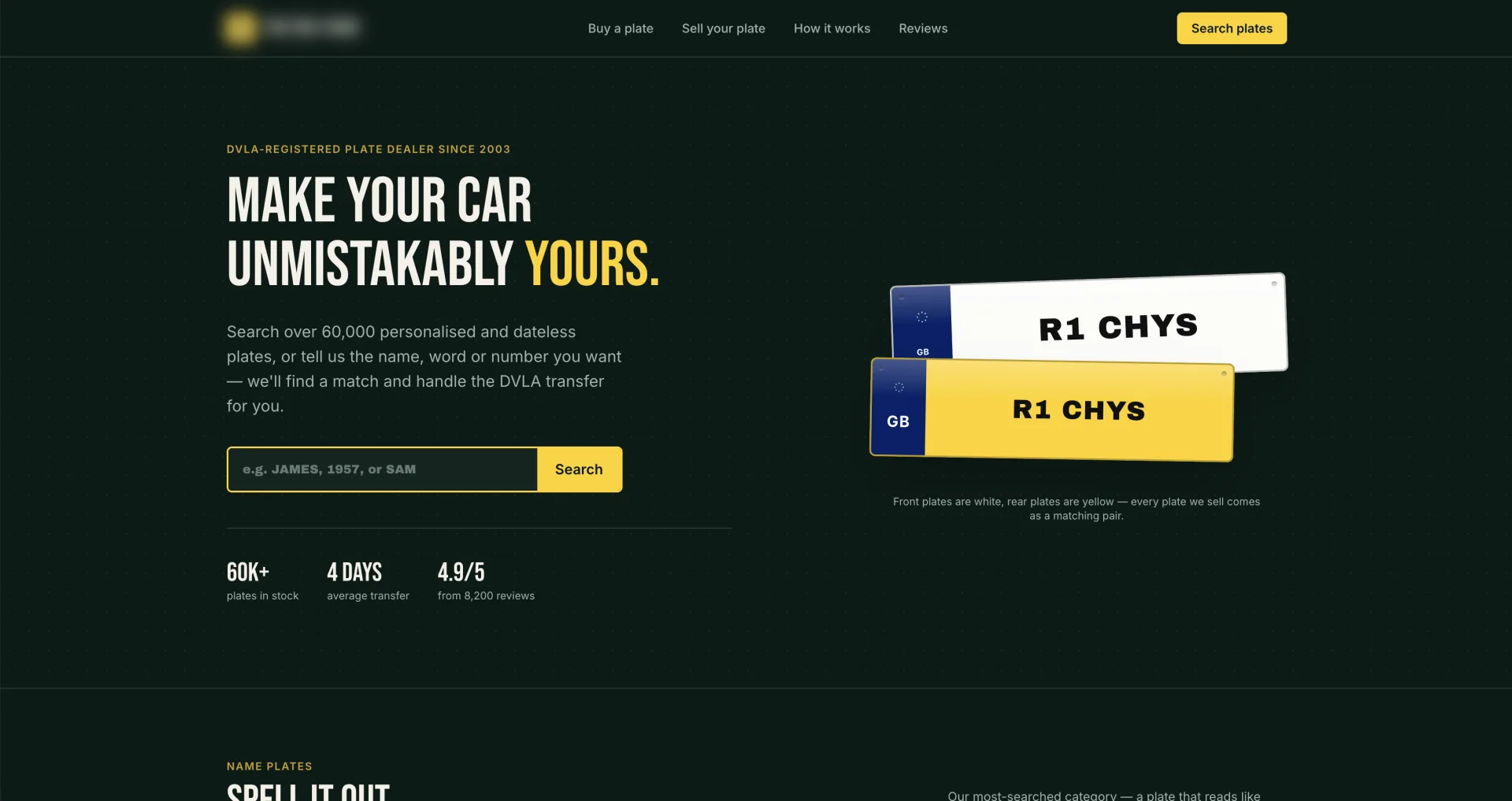
WordPress Custom WooCommerce & DVLA Plate Lookup Engine
A custom WordPress website engineered with real-time DVLA API plate lookups, instant vehicle identification, and a 60,000+ plate import database.
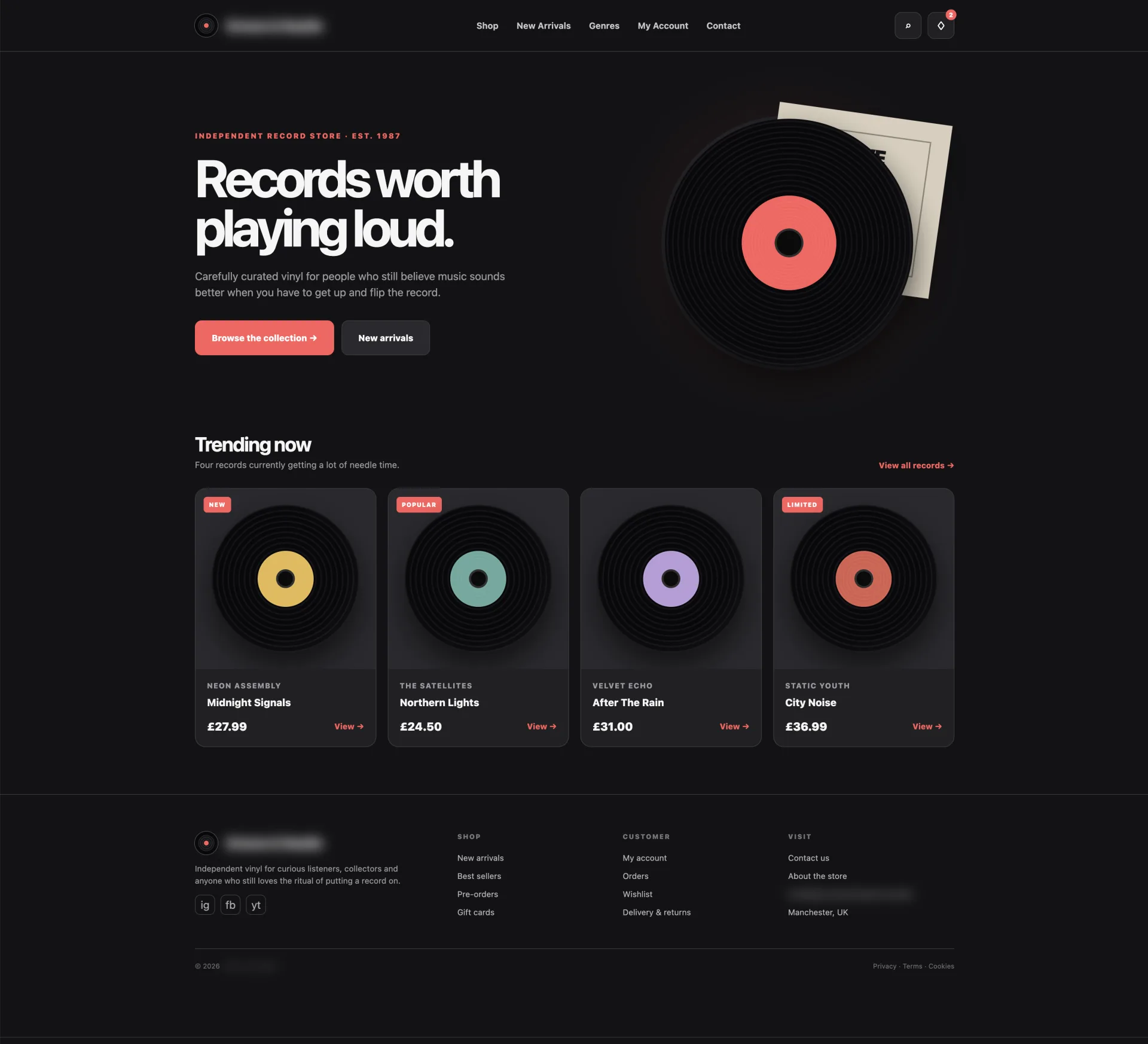
Vinyl Record Store & Catalog Engine
A lightweight WooCommerce site built for an independent record shop to make searching, previewing, and buying vinyl fast and effortless.
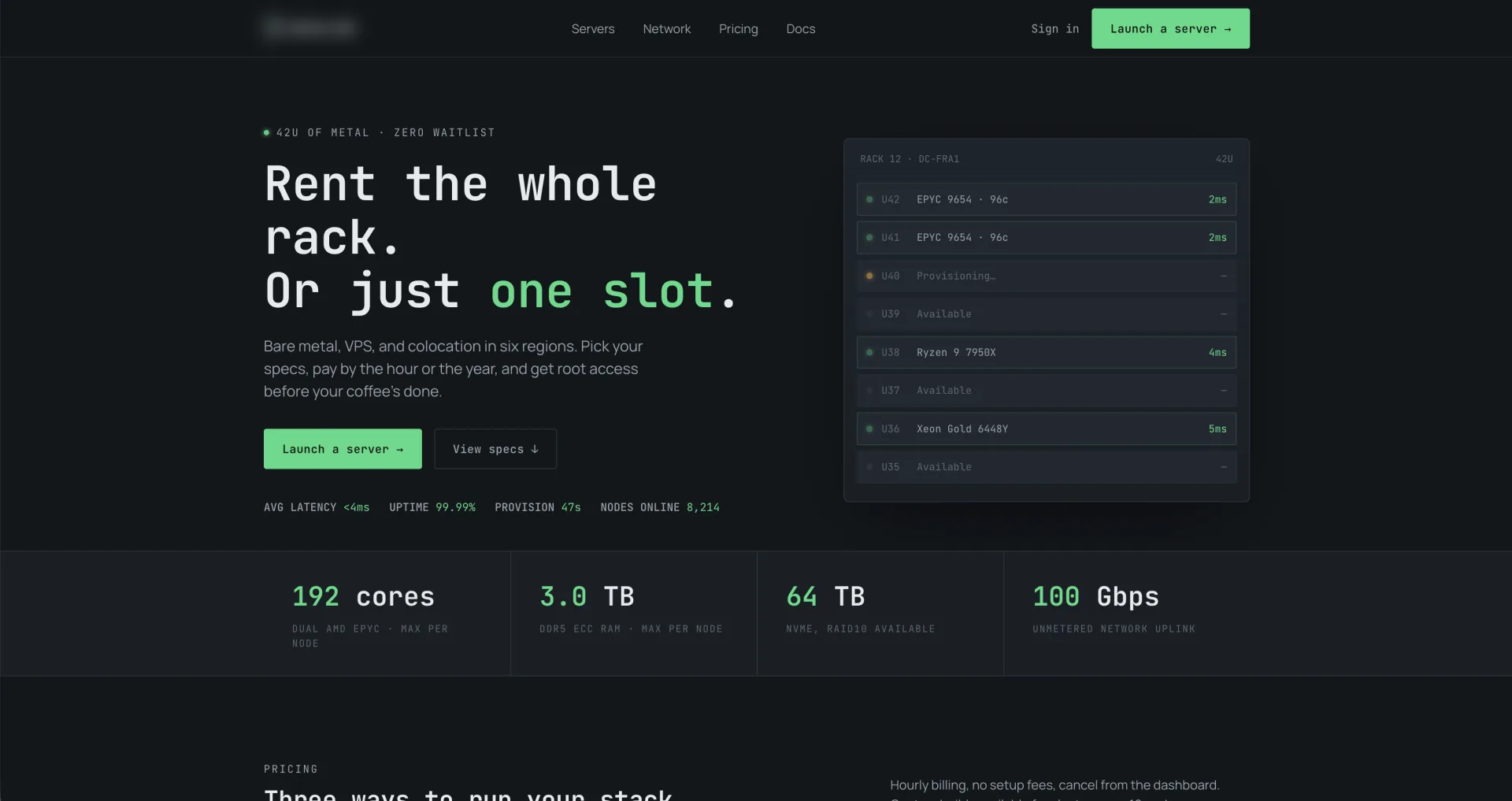
Web Server Hosting E-Commerce
I engineered a lightweight custom e-commerce system for an independent host, making server selection, ping testing, and checkout fast and effortless.
WordPress Malware Removal FAQs: Hacked Website Recovery
Has your WordPress website been hacked or infected with malware? Find answers to common questions about malware removal, hacked website recovery, security cleanup, and preventing reinfection.
