How to Keep a Record of Emails Sent by WordPress
WordPress can send password resets, form replies, invoices and order updates without keeping a convenient history in the dashboard. A mail log fills that gap: support staff can check whether a message was generated, confirm its recipient and subject, and investigate a customer's report without guessing.
What an email history can tell you
A useful record may include the recipient, subject, sender, timestamp, message status and, where needed, the body or headers. This helps answer practical questions: was an order confirmation created, which address did the site use, and did the mail transport report an error? It does not replace provider-side delivery events, and it should not be treated as proof that an email was read.
Choose a retention period deliberately
Keeping every message forever increases the amount of personal data at risk and can make searches less useful. Set a retention period based on how long your team needs the history for support, operational investigation and any applicable record-keeping obligations. Document the reason, review it periodically and remove older records automatically where your tooling allows.
Export only what you need
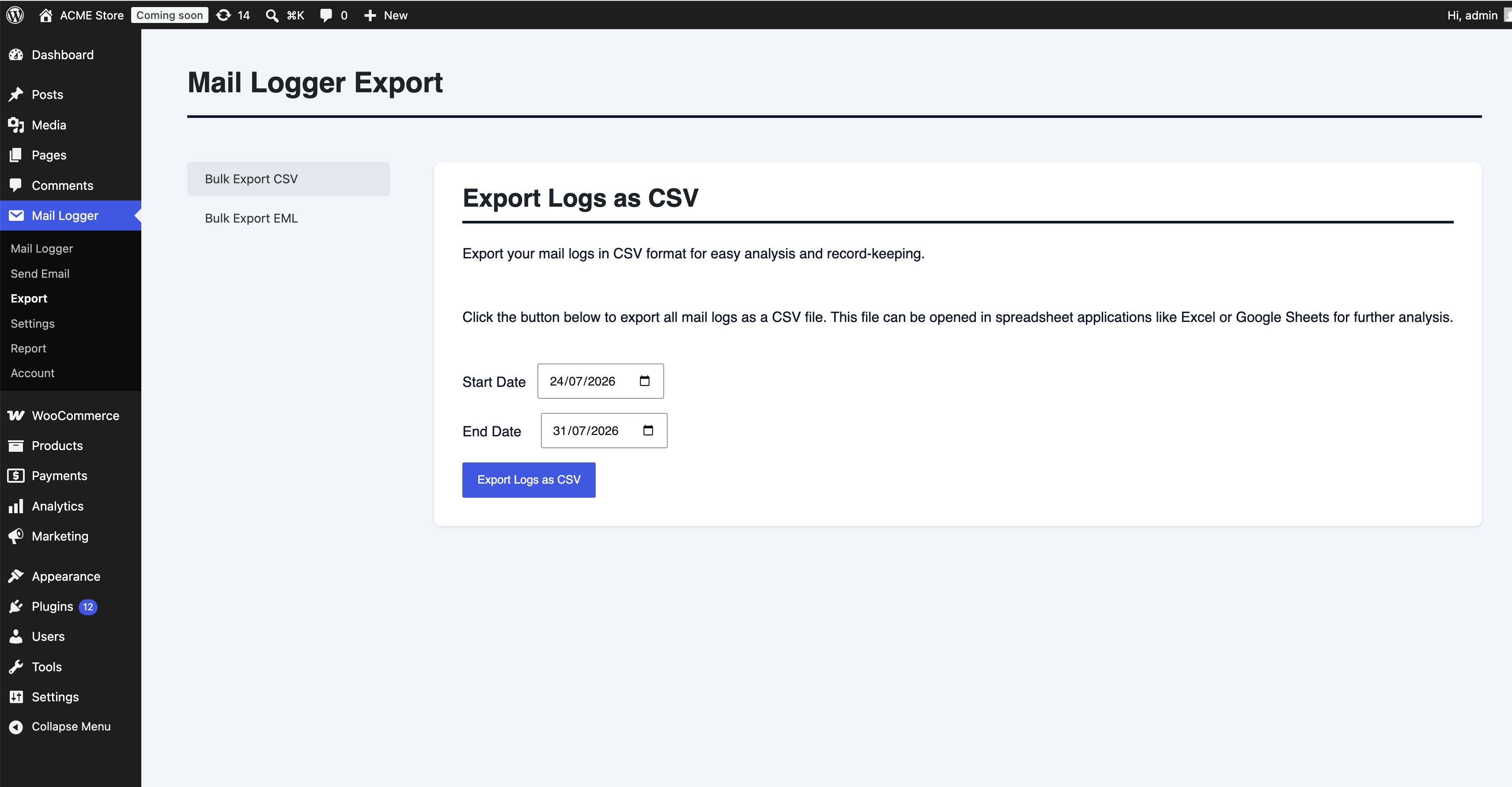
Exports are useful for reporting, migration or a time-limited investigation. Filter by date before exporting, store the file in an access-controlled location and delete it when the task is complete. A CSV is convenient for metadata and analysis; an EML file is more useful when a mail client needs to inspect a message's structure.
Protect logged email data
- Restrict log and export access to people with a defined support or operational need.
- Treat message bodies, password-reset links, addresses and order details as sensitive; avoid logging secrets and credentials.
- Include the logging purpose and retention approach in your privacy and data-handling review, and check applicable legal requirements for your organisation.
- Use secure backups and storage, and ensure deletion policies also cover exported files.
Turn history into better support
When a customer says a confirmation never arrived, staff can look up the relevant event, verify the address, inspect the recorded status and decide whether a resend is appropriate. That shortens investigations and avoids asking customers to repeat information. Give your support team a searchable email history with Conobe Mail Logger Pro.
