How to View Email Logs in WordPress
When a contact form reply or order notification goes missing, the first useful question is whether WordPress attempted to send it. An email log gives you a searchable record of messages generated by the site, so you can check the recipient, subject, date and sending status before troubleshooting further.
Open the WordPress email log
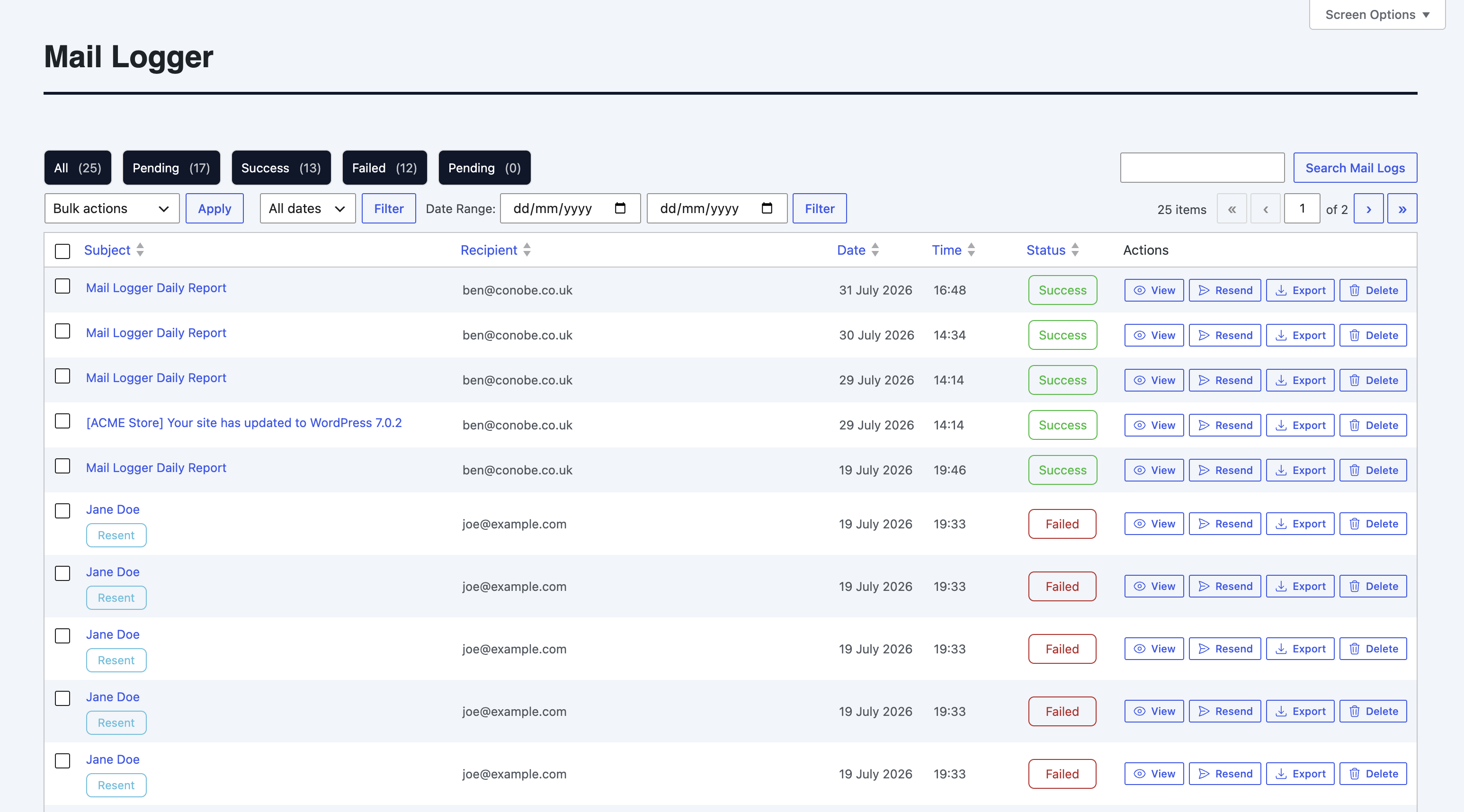
Install and activate Conobe Mail Logger Pro, then open Mail Logger from the WordPress dashboard. The list groups messages by subject, recipient, date and status, with filters for successful and failed sends.
Find and inspect a message
- Search by a distinctive subject or recipient, or narrow the list with the date and status filters.
- Open View on the matching row. Check the recipient, subject, headers and message body against the event you expected, such as the order number or form submission time.
- If the message is marked failed, note the recorded error or status before taking action. A log entry shows what the site attempted; it does not prove that a recipient's mail server accepted or delivered the message.
Resend a failed email carefully
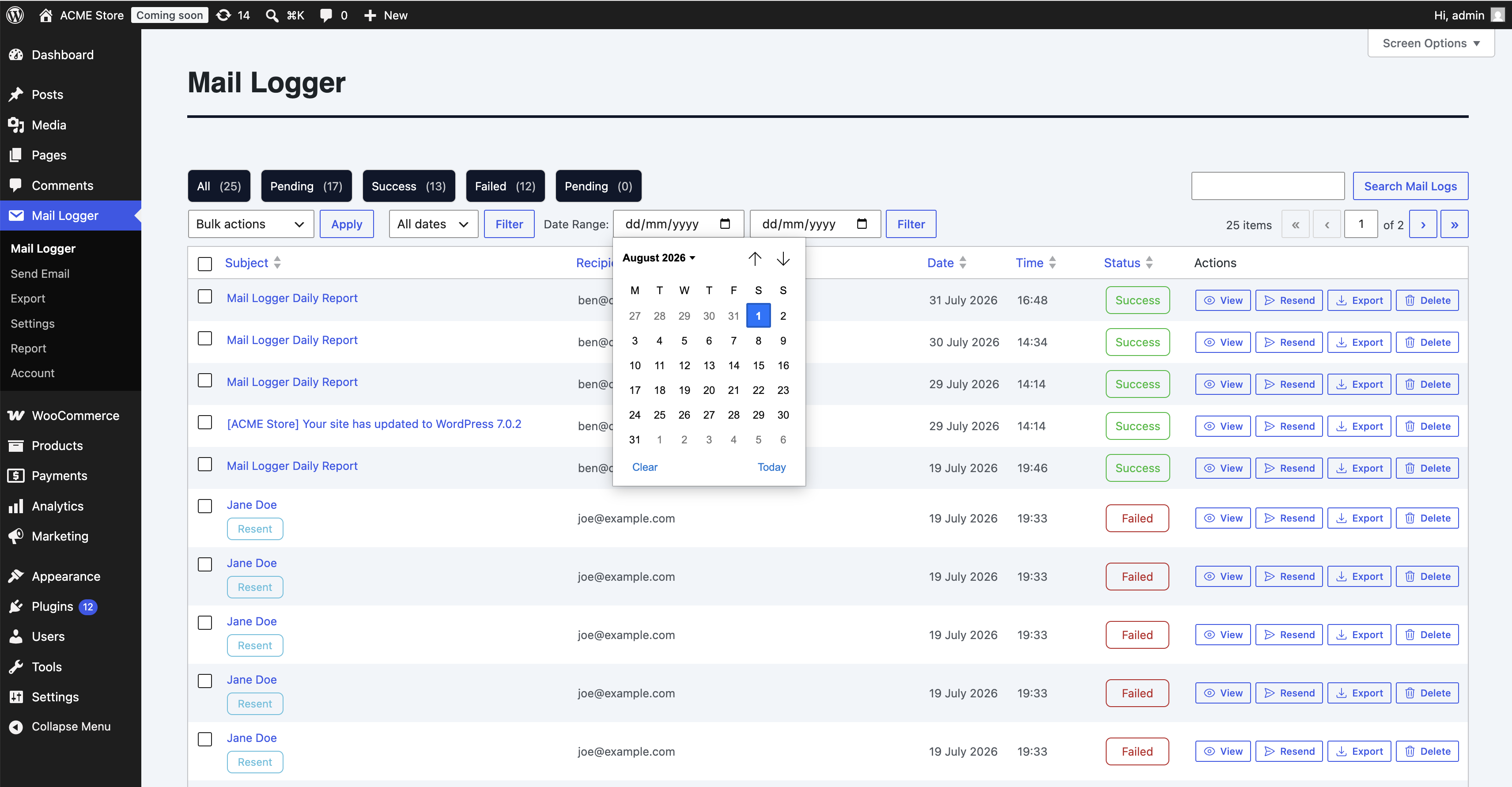
Use Resend only after checking the order or account state and confirming that a duplicate notification will not confuse the customer. For a WooCommerce order, verify its current status first. If the original message was accepted but later filtered, a resend may produce a duplicate rather than fix delivery.
If the message is editable, correct the recipient or content only when you have a clear reason, then resend and confirm a new log entry appears. For repeated failures, investigate the configured mail transport and its error logs instead of repeatedly clicking resend.
Keep the log useful
Limit access to administrators or support staff who need it, and choose a retention period that fits your support and privacy requirements. Email logs can contain names, addresses, order details and message content. Start tracking and investigating WordPress email from one dashboard with Conobe Mail Logger Pro.
